Facebook has blocked all the logins via the unoffcial Facebook app for iPad found in Facebook iPhone app. To re-enable and install Facebook iPad app, Chpwn has released a tweak named ‘FaceForward’ in Cydia.

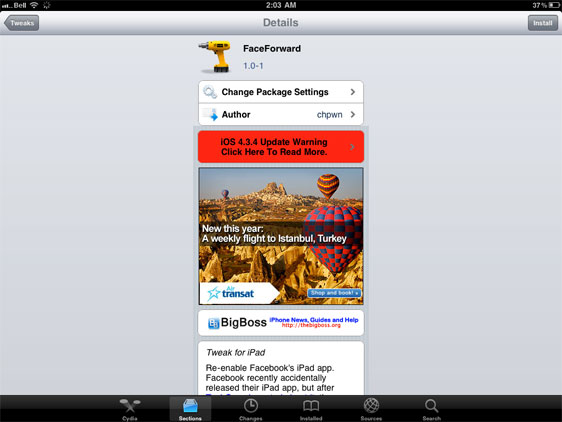
Re-enable Facebook’s iPad app. Facebook recently accidentally released their iPad app, but after TechCrunch posted about it, they quickly moved to disable access to Facebook from it. FaceForward removes that restriction, allowing you to use Facebook for iPad right now.
FaceForward is available in Cydia that re-enables and install Facebook app for iPad. FaceForward also eliminates the complicated steps mentioned in the previous guide to install Facebook iPad app.
Note
Your iPad must be jailbroken. You can Jailbreak iPad with JailbreakMe, PwnageTool, Sn0wbreeze and RedSn0w.
How To Install Facebook iPad app With FaceForward
You might need to delete and re-install your Facebook app if it crashes on startup.
- Download and install Facebook 3.4.4 from the App Store [Downlaod Link]
- Open Cydia and search for FaceForward and install it.
- Once FaceForward installation is complete, Restart Springboard.
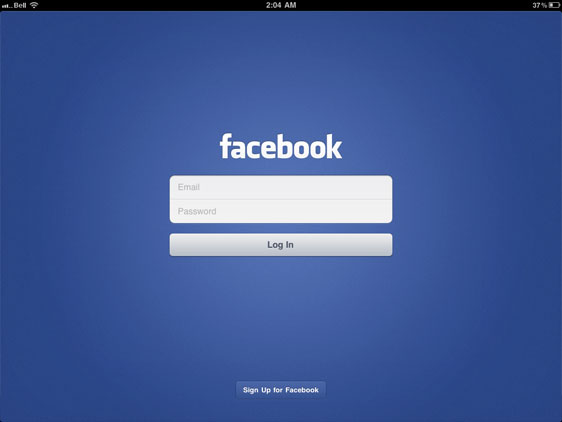
- Now simply launch the Facebook app you installed on your iPad and login!
That’s it! Enjoy the Full GUI of the Facebook app for iPad.
You can follow us on Twitter, Google Buzz, Facebook, and Subscribed to RSS Feed to receive latest updates.
Also checkout:
- Make Calls and Receive/Send SMS from iPad 3G with PhoneIt-iPad
- How to Enable Video Mirroring on iPad 1
- Install iMovie on iPad 1